
How to Check Al Masraf Bank Balance in UAE – App, Online & ATM
In the UAE’s increasingly cash-light banking environment, real-time access to account information is no longer a convenience – it is a regulatory and operational expectation. Banks licensed by the UAE Central Bank, including Al Masraf, are required to provide customers with secure, transparent, and multi-channel access to their account data. This makes balance checking not just a routine task, but a foundational part of personal and business financial management.
Al Masraf, formally known as Al Masraf – Arab Bank for Investment & Foreign Trade, has steadily expanded its digital and self-service infrastructure to meet these expectations. Whether you are a UAE resident managing monthly expenses, a business owner tracking liquidity, or a visitor relying on local banking access, understanding how and when to check your Al Masraf bank balance is essential.
Understanding Al Masraf as a Banking
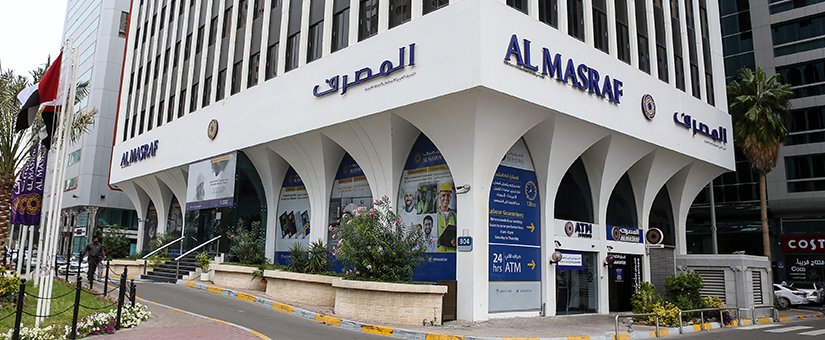
Established in 1975 under Federal Decree No. 50, Al Masraf operates as a UAE-licensed bank offering both conventional and Shariah-compliant financial services. The bank serves individuals, corporates, and government-linked entities, with a strong focus on trade finance, personal banking, and digital account management.
- UAE Central Bank regulations governing customer access to account information
- Digital banking platforms (mobile apps, online portals, IVR systems)
- Physical banking infrastructure (ATMs, CDMs, branches, self-service kiosks)
- Customer authentication mechanisms (PINs, OTPs, Emirates ID linkage)
Recognizing these relationships helps explain why Al Masraf offers multiple balance-checking channels – and why each serves a distinct user intent.
All Official Ways to Check Al Masraf Bank Balance in the UAE
Al Masraf provides five primary balance inquiry channels. These are designed to cover digital-first users, traditional banking customers, and edge cases such as card or internet access issues.
1. Al Masraf Mobile Banking App (Fastest and Most Used)
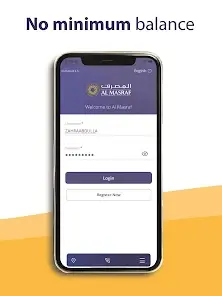
For most customers in 2026, the Al Masraf Mobile Banking App is the primary balance-checking interface. It offers real-time visibility into account balances and recent transactions, aligned with UAE digital banking standards.
After downloading the app from the Apple App Store or Google Play, users log in using their registered credentials. Once authenticated, the main dashboard or relationship summary displays current balances across linked accounts. From the same interface, users can access transaction history, statements, card controls, and payment features.
This method best satisfies users seeking instant, on-the-go access with minimal friction.
2. Al Masraf Online Banking via Web Browser

Online banking serves users who prefer desktop access or detailed account views. By logging into the Al Masraf Personal Banking portal through an official web browser, customers can navigate to the “Accounts” section to view balances, recent transactions, and downloadable statements.
For customers not yet registered, the online banking registration process typically requires:
- A valid Al Masraf debit card
- Debit card PIN
- One-time password (OTP) sent to the registered UAE mobile number
Once activated, online banking supports not only balance checks but also fund transfers, bill payments, and account service requests.
3. Phone Banking (IVR and Assisted Support)
Al Masraf maintains a centralized phone banking service at 600 52 99 99, accessible across the UAE. This channel is particularly useful when digital access is unavailable.
By calling the number and navigating the IVR (Interactive Voice Response) menu, customers can select account services and listen to their current balance or recent transactions. For more complex issues, calls can be routed to a customer service agent, subject to identity verification.
Phone banking is often used as a fallback channel and remains relevant for compliance and accessibility reasons.
4. ATMs and Cash Deposit Machines (CDMs)
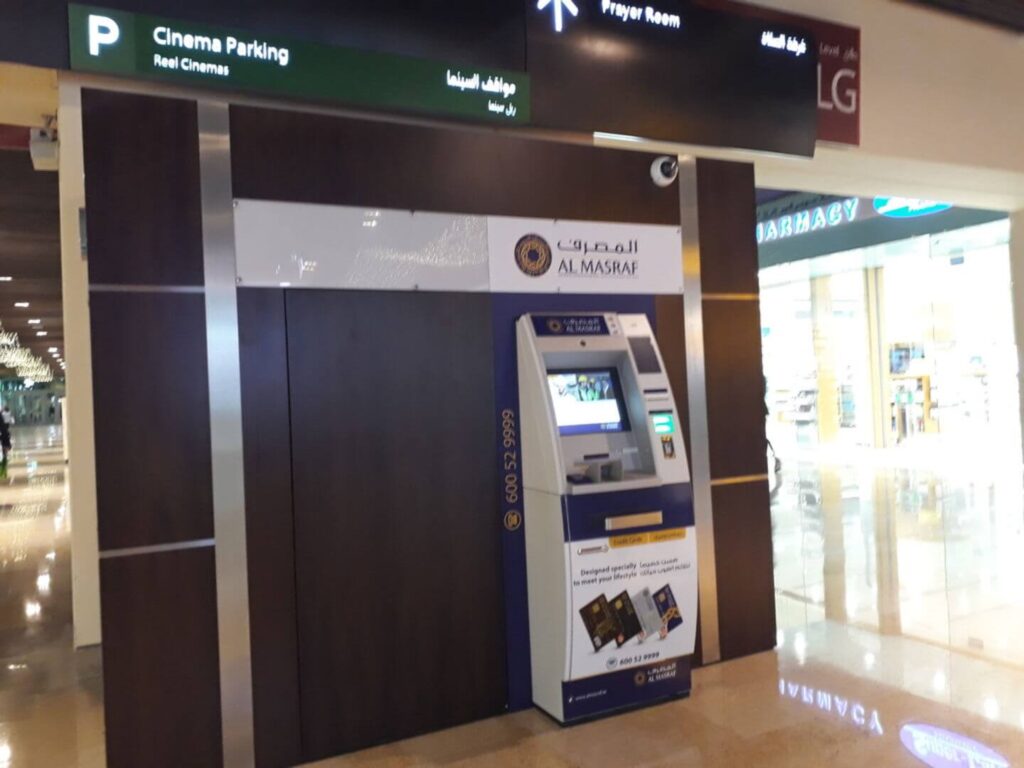
Al Masraf customers can check their balance at any Al Masraf ATM or CDM across the UAE. After inserting the debit card and entering the PIN, users can select “Balance Inquiry” to view their available balance on screen. Many machines also allow mini-statement printing, which shows recent transactions.
This method is particularly useful for customers who need a quick balance check while withdrawing or depositing cash.
5. SMS Banking and Transaction Alerts
Customers enrolled in SMS banking receive automated alerts for transactions, many of which include the remaining account balance. While SMS is not always used for manual balance inquiries, it provides passive, real-time awareness of account activity.
Enrollment or management of SMS alerts is typically handled through the mobile app, online banking, or branch support.
Branch and Self-Service Options for Balance Checks
Although digital channels dominate, Al Masraf continues to support in-branch balance verification. Customers can request balance confirmation or printed statements during branch working hours.
Additionally, selected branches host self-service machines that allow customers to print account statements, which clearly show current balances. Known locations include major branches in Abu Dhabi, Al Ain, Deira, and Sheikh Zayed Road.
Common Issues and What to Do If Your Balance Looks Incorrect
Occasionally, customers may notice discrepancies due to pending transactions, card authorizations, or processing cut-off times. If a balance appears incorrect:
- Check recent transactions in the mobile app or online banking
- Allow time for pending card transactions to settle
- Contact Al Masraf customer support via 600 52 99 99
- Raise a formal complaint through official support channels if needed
UAE banking regulations require banks to investigate and resolve such issues within defined timelines.
FAQs
Can I check my Al Masraf bank balance without internet access?
Yes. You can use phone banking, ATMs, or visit a branch to check your balance without internet connectivity.
Is there any fee for checking my balance?
Balance inquiries through digital channels and ATMs are generally free. Charges, if any, are disclosed in the bank’s official schedule of fees.
Does Al Masraf show real-time balances?
Mobile and online banking typically reflect near real-time balances, although pending transactions may temporarily impact the available amount.
Can I check my balance from outside the UAE?
Yes, online and mobile banking can be accessed internationally, subject to security controls and OTP delivery to your registered UAE number.
What should I do if I cannot log in to the app or online banking?
Contact Al Masraf customer support or visit a branch for credential reset and identity verification.
Conclusion
Checking your Al Masraf bank balance in the UAE is a straightforward process, supported by a robust mix of digital, automated, and in-person channels. From mobile apps and online portals to ATMs, phone banking, and branches, Al Masraf aligns with UAE banking regulations by ensuring customers have continuous access to their financial information.
For individuals and businesses alike, choosing the right balance-checking method depends on the context, speed, accessibility, and the level of detail required. By understanding all available options, customers can manage their finances more confidently and efficiently within the UAE’s regulated banking environment.

Sara is a UAE-based banking and accounting expert with over 4 years of professional experience in the financial sector. Her expertise spans retail banking, financial reporting, compliance, and practical money management topics relevant to individuals and businesses in the UAE.
She contributes clear, accurate, and well-researched financial content, simplifying complex banking and accounting concepts for everyday readers. Sara’s writing reflects strong industry knowledge, regulatory awareness, and a commitment to financial accuracy and transparency.