How to Check HSBC Bank Balance in UAE (Fast & Secure Methods)
In the UAE’s increasingly digital-first banking environment, real-time access to account balances is no longer a convenience—it is a baseline expectation shaped by regulatory transparency, instant payments, and cross-border financial activity. HSBC, as one of the most internationally connected banks operating in the UAE, offers multiple balance-check channels designed to serve retail customers, business owners, and globally mobile account holders.
This guide consolidates fragmented explanations into one authoritative, UAE-specific, step-by-step resource on how to check your HSBC bank balance, while also explaining why each method exists, who it is best for, and how it fits into HSBC’s broader digital and regulatory ecosystem.
HSBC Bank in the UAE

HSBC Bank Middle East Limited operates in the UAE under the supervision of the Central Bank of the UAE (CBUAE) and forms part of the HSBC Group, which serves tens of millions of customers across more than 60 countries and regions.
In the UAE, HSBC caters to:
- Individual residents and expatriates
- High-net-worth and Premier customers
- SMEs and large corporates
- International account holders managing multi-currency and global accounts
Due to this diversity, HSBC offers multiple balance-enquiry channels, each tailored to meet different access needs, security requirements, and usage scenarios.
What “Account Balance” Means in HSBC Banking
Before choosing a method, it is important to understand the two balances HSBC displays:
- Ledger Balance: The total balance, including pending or uncleared transactions
- Available Balance: The amount you can actually spend or withdraw at that moment
Most digital channels in the UAE clearly show both, which is particularly important for:
- Salary accounts with pending credits
- Business accounts with cheque clearing cycles
- Customers using debit cards linked to overdraft facilities
How to Check HSBC Bank Balance Online (HSBC UAE Online Banking)
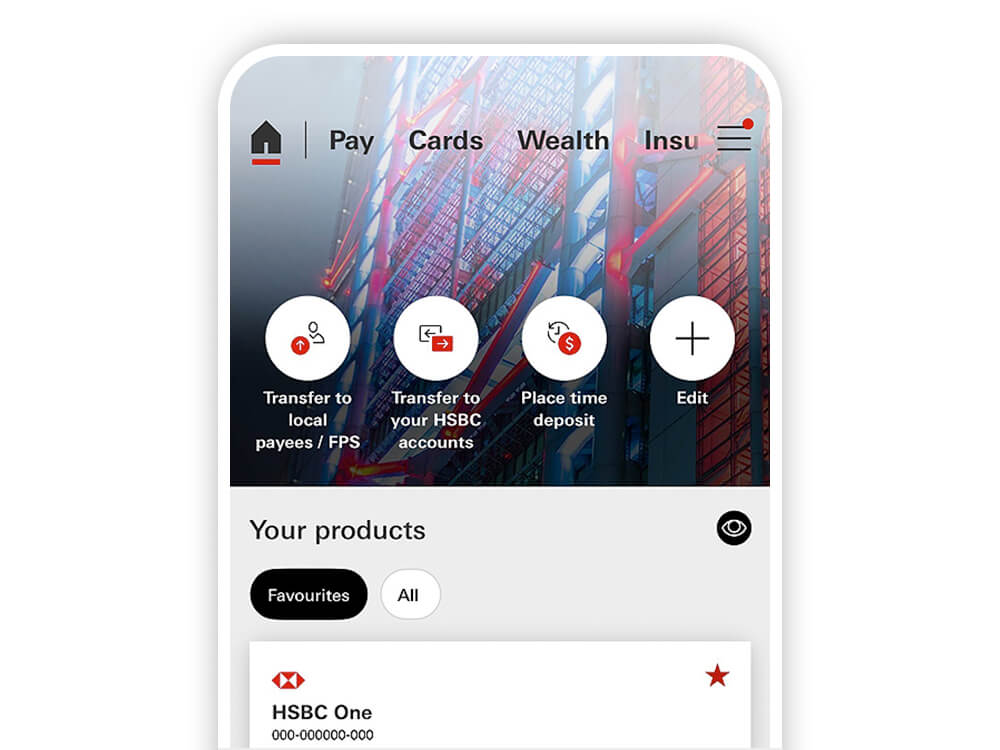
HSBC’s online banking platform is the most comprehensive channel for balance checks, especially for users managing multiple accounts or international relationships.
Step-by-step process
- Visit the official HSBC UAE Online Banking portal
- Log in using your username and security credentials
- After authentication, the dashboard displays all linked accounts
- Select an account to view:
- Current balance
- Available balance
- Recent transactions
- Downloadable statements
Why this method matters
Online banking is best suited for:
- Business owners reconciling cash flow
- Users needing downloadable transaction records
- Customers managing local and overseas HSBC accounts from one interface
HSBC Bank Balance Check via Mobile Banking App (UAE)
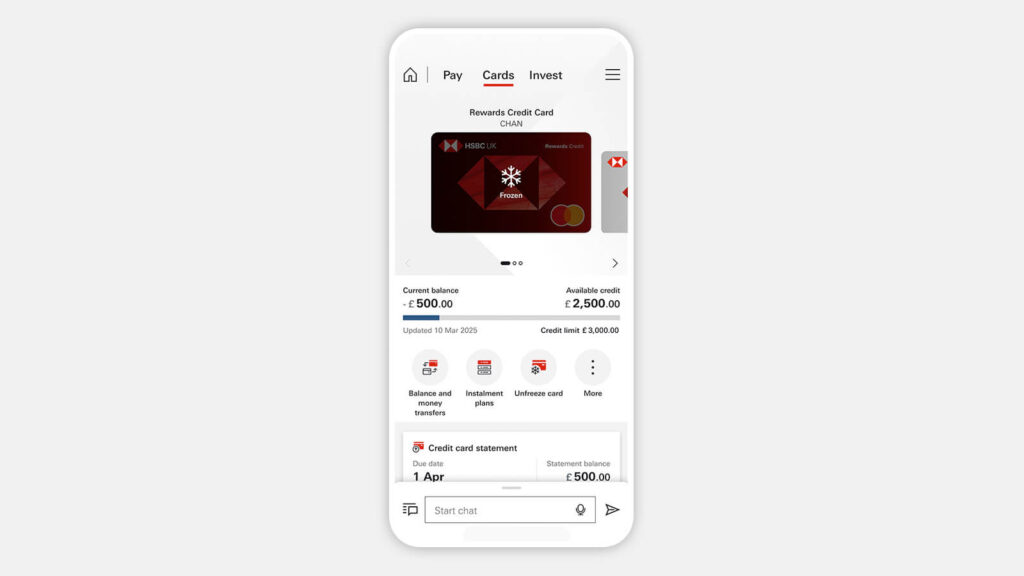
For most UAE customers, the HSBC UAE Mobile Banking App is the fastest and most frequently used balance-check method.
Step-by-step process
- Download the official HSBC UAE app from the App Store or Google Play
- Log in using your credentials, biometric ID, or security key
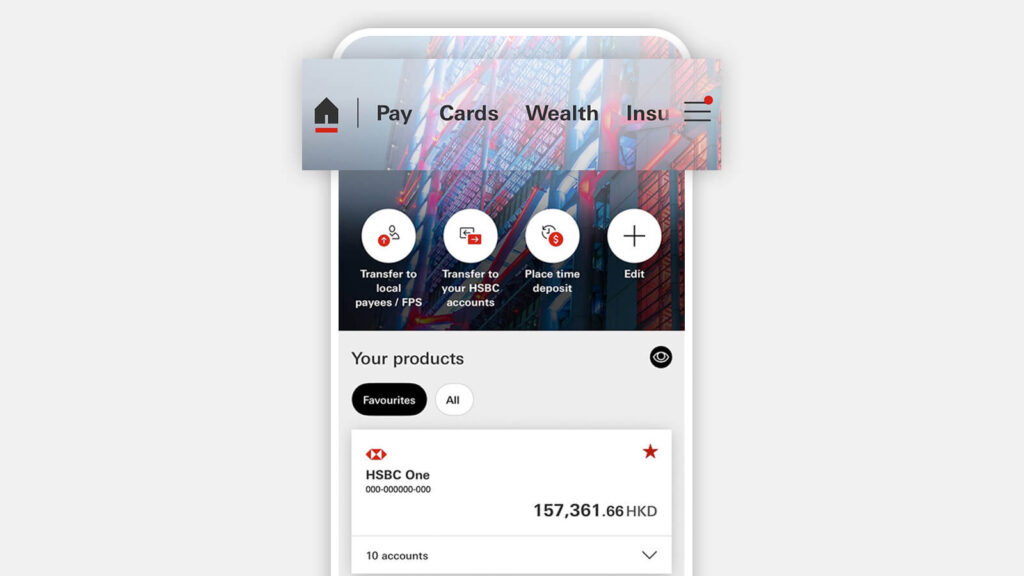
- The home screen shows all accounts and cards
- Tap a specific account to view:
- Real-time balance
- Available funds
- Transaction history
In many cases, simply swiping down on the account activity screen reveals balance details instantly.
Added value features
- Push notifications for every transaction
- Balance and spending insights
- Management of local and global HSBC accounts
This method is ideal for residents, digital nomads, and frequent travellers who need constant visibility over their funds.
Checking HSBC Account Balance via Phone Banking (UAE Specific)
HSBC UAE maintains a robust phone banking system, particularly useful when internet access is limited.
UAE phone banking number
- 800 VOICE (86423) within the UAE
Verification options
- Voice ID (“My voice is my password”)
- Phone Banking Number and PIN (issued in your welcome kit)
Step-by-step process
- Call 800 VOICE
- Choose your preferred language
- Verify your identity using Voice ID or PIN
- Select the option to hear your account balance
This channel is especially useful for:
- Elderly customers
- Users facing app or login issues
- Situations requiring human assistance
HSBC Balance Check via SMS Alerts and Notifications
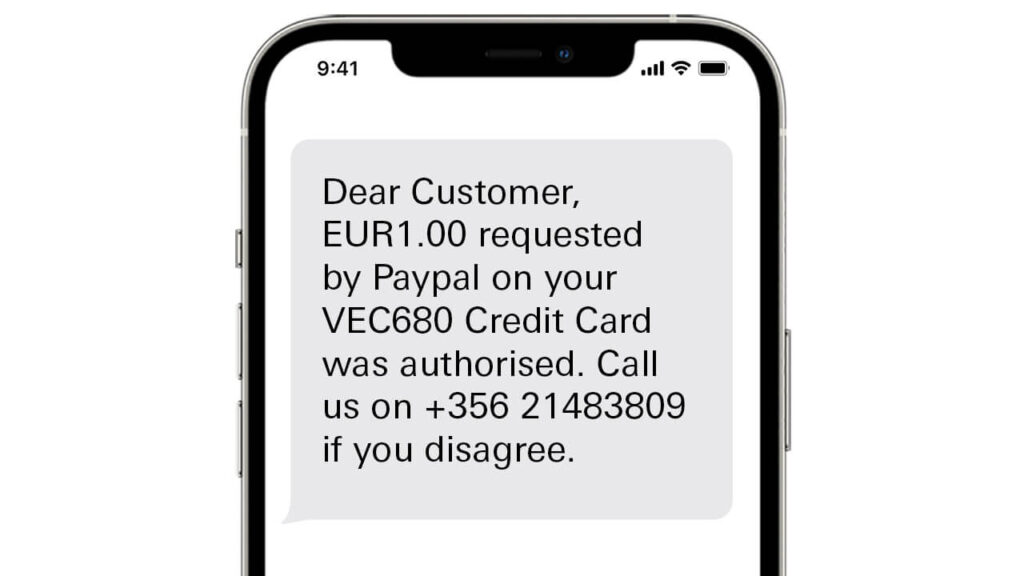
HSBC does not rely on manual SMS balance queries in the UAE. Instead, it offers transaction-based SMS and push alerts.
How it works
Once subscribed, you automatically receive notifications showing:
- Transaction amount
- Account or card used
- Updated the remaining balance
How to activate
- Log in to HSBC online or mobile banking
- Navigate to Alerts / Notifications
- Enable SMS or push alerts for accounts and cards
Alternatively, customers can submit the SMS Alert Service application form via HSBC UAE branches or the official website.
This method suits customers who want passive monitoring without logging in repeatedly.
Checking HSBC Balance at ATMs and Branches
ATM balance enquiry
- Insert your HSBC debit card at an HSBC ATM
- Enter your PIN
- Select “Balance Enquiry”
- View balance on screen or printed receipt
Branch assistance
If digital or phone options are unavailable, HSBC branch staff can:
- Confirm your balance
- Provide printed statements (subject to identification requirements)
This method is typically used as a fallback rather than a primary option.
Recommended: Best Credit Card in the UAE
Credit Card Balance vs Bank Account Balance (Important Distinction)
HSBC clearly separates:
- Deposit account balances (savings/current accounts)
- Credit card outstanding balances
Credit card balances can be checked via:
- HSBC mobile and online banking
- Phone banking under “Card Services”
Understanding this distinction is essential to avoid confusion, especially for users tracking spending limits or minimum payment obligations.
Common Issues and Troubleshooting
If you cannot check your balance:
- Resetting credentials may resolve app login issues via HSBC support
- Username recovery and password resets typically take only a few minutes
- Phone banking remains available even when digital channels fail
HSBC UAE customer support can be reached locally and internationally for secure access restoration.
Recommended Guide:
- ADCB Bank Balance Check
- Mashreq Bank Balance Check
- Check NBF Bank Balance
- Check Al Hilal Bank Balance
- Check CBD Bank Balance
- Check Ajman Bank Balance
- Check Citibank Bank Balance
- Check ADIB Bank Balance
- Check SIB Bank Balance
- Sharjah Islamic Bank
- Check RAKBANK Account Balance
- Fab balance check
FAQs
How do I check my HSBC bank balance in the UAE?
You can check your balance via HSBC online banking, the mobile app, phone banking at 800 VOICE, SMS alerts, ATMs, or at a branch.
Can I check my HSBC balance on my phone without internet?
Yes. Phone banking allows you to hear your balance after identity verification.
Is HSBC mobile banking balance updated in real time?
Yes. The app shows real-time ledger and available balances, including most recent transactions.
Can I receive automatic balance updates?
Yes. HSBC allows SMS and push notifications for every transaction, showing the updated balance automatically.
Does HSBC charge for balance enquiries?
Digital balance checks via app, online banking, and phone banking are generally free. Branch or printed statements may have charges depending on account type.
Can I check both UAE and overseas HSBC accounts together?
Yes. HSBC’s digital platforms allow eligible customers to view linked global accounts on one screen.
Conclusion
Checking your HSBC bank balance in the UAE is not limited to a single method—it is a flexible, multi-channel process designed to match modern banking behavior, regulatory standards, and global mobility. Whether you rely on the mobile app for instant visibility, phone banking for accessibility, or online banking for detailed financial oversight, HSBC provides secure and compliant options for every user type.
For UAE residents, business owners, and international customers alike, understanding which balance is shown, how it is updated, and where to access it ensures better financial control and fewer surprises. As digital banking continues to evolve under UAE regulatory frameworks, balance transparency remains a cornerstone of HSBC’s customer experience—and a critical element of everyday financial decision-making.

Sara is a UAE-based banking and accounting expert with over 4 years of professional experience in the financial sector. Her expertise spans retail banking, financial reporting, compliance, and practical money management topics relevant to individuals and businesses in the UAE.
She contributes clear, accurate, and well-researched financial content, simplifying complex banking and accounting concepts for everyday readers. Sara’s writing reflects strong industry knowledge, regulatory awareness, and a commitment to financial accuracy and transparency.