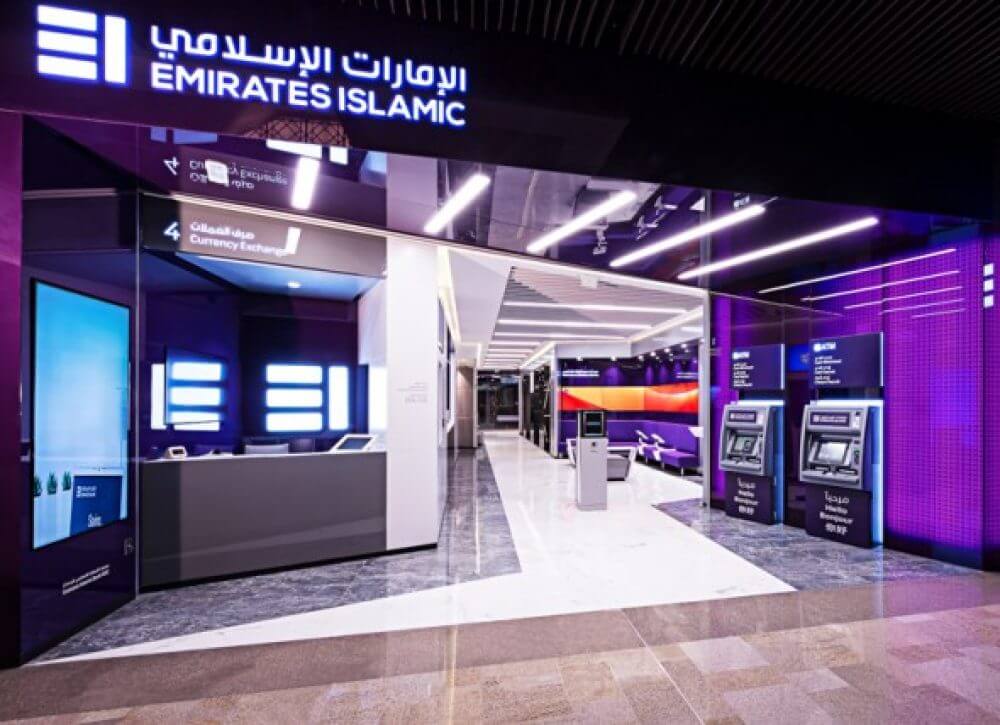
Emirates Islamic Bank Balance Check – EI+ App, WhatsApp & ATM Guide
In the UAE’s rapidly digitised Islamic banking ecosystem, real-time visibility of account balances is no longer a convenience – it is a regulatory, financial planning, and cash-flow necessity. Emirates Islamic Bank (EIB), regulated by the Central Bank of the UAE, has built a multi-channel balance enquiry infrastructure that reflects broader trends in Sharia-compliant digital banking, customer self-service, and always-on financial access.
This guide explains how to check your Emirates Islamic Bank balance, step by step, across all official channels, while also addressing minimum balance rules, security considerations, common errors, and advanced use cases relevant to UAE residents, business owners, and digital nomads.
Understanding Emirates Islamic Bank
Emirates Islamic Bank PJSC, established in 2004, operates as a full-service Islamic bank offering Sharia-compliant current accounts, savings accounts, and business banking solutions. As part of the broader Emirates NBD Group ecosystem, EIB customers benefit from:
- Integrated ATM access across Emirates Islamic and Emirates NBD networks
- Digital banking infrastructure under the EI+ platform
- Compliance with UAE banking regulations, AML frameworks, and Islamic finance principles
Checking your account balance is a foundational banking action tied to fees, minimum balance thresholds, zakat planning, and liquidity management.
Primary Ways to Check Emirates Islamic Bank Balance (All Official Methods)
Emirates Islamic Bank allows balance enquiries through digital, telephonic, automated, and in-branch channels, ensuring accessibility regardless of device, location, or technical proficiency.
1. Checking Balance via EI+ Mobile Banking App (Most Preferred Method)
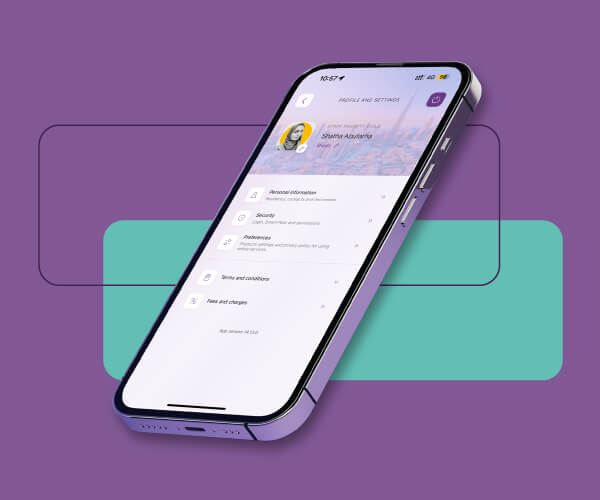
The EI+ Mobile Banking App is the fastest and most comprehensive way to check your Emirates Islamic account balance.
After downloading the app from the Apple App Store or Google Play:
- Log in using your EI+ username and password
- Your available balance and account type appear instantly on the dashboard
- Tap the account to view recent transactions, ledger balance, and pending amounts
This method is ideal for:
- Daily expense tracking
- Salary credit verification
- Immediate post-transfer balance confirmation
The app is secured through multi-factor authentication, device binding, and session encryption.
2. Emirates Islamic Online Banking (Desktop & Browser Access)
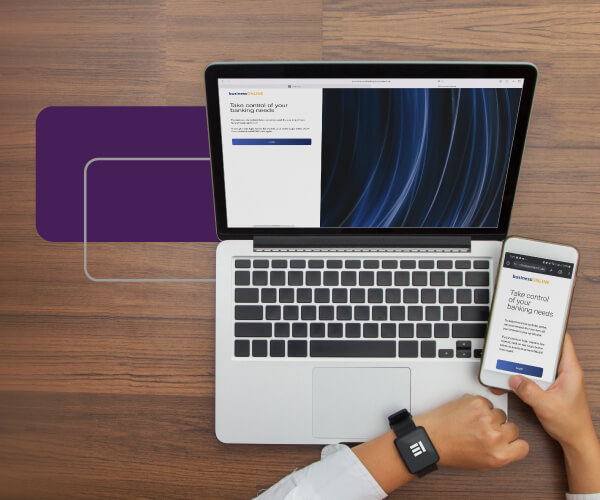
For users who prefer a larger interface or manage multiple accounts, EI+ Online Banking provides the same balance visibility via web access.
Once logged in:
- Navigate to your account summary
- Select the relevant current or savings account
- View available balance, blocked funds (if any), and recent transaction history
Online banking is commonly used by:
- Business owners
- Investors
- Users downloading statements or balance confirmations
Self-registration is available for new users with a valid Emirates Islamic debit or credit card.
3. WhatsApp Banking Balance Check (Quick & Lightweight)
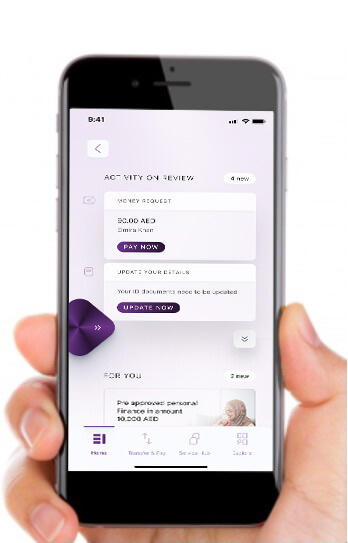
Emirates Islamic offers verified WhatsApp banking using its official number:
+971 600 599 995
After saving the number and initiating a chat from your registered mobile number:
- Subscribe to WhatsApp banking (one-time process)
- Type “Balance” or “Bal”
- Receive your current available balance instantly
The system does not request PINs, OTPs, or confidential credentials, making it a low-friction option for quick checks.
Recommended: Zero Balance Salary Account in UAE
4. SMS Banking Alerts (Passive Balance Monitoring)
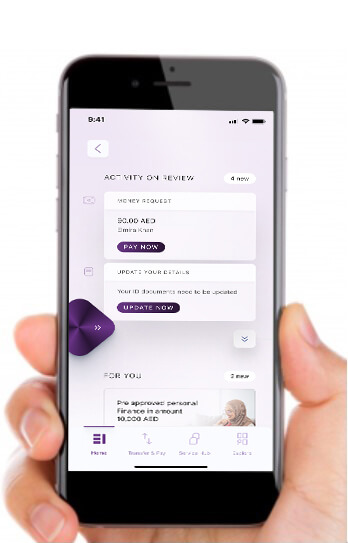
For users who prefer automatic balance visibility without logging in, Emirates Islamic provides SMS alerts.
Once subscribed:
- Receive balance notifications daily, weekly, fortnightly, or monthly
- Alerts reflect available balance after transactions
SMS banking is linked to online banking registration and is particularly useful for:
- Salary accounts
- Expense control
- Users without smartphones
5. Phone Banking & IVR Balance Enquiry
You can check your Emirates Islamic Bank balance by calling:
600 599 995 (within UAE)
+971 600 599 995 (from abroad)
Available 24/7, the service supports:
- English
- Arabic
- Hindi
- Urdu
Using the IVR system or a customer service agent, you can access your balance securely from your registered number.
6. ATM Balance Check (Debit Card Required)
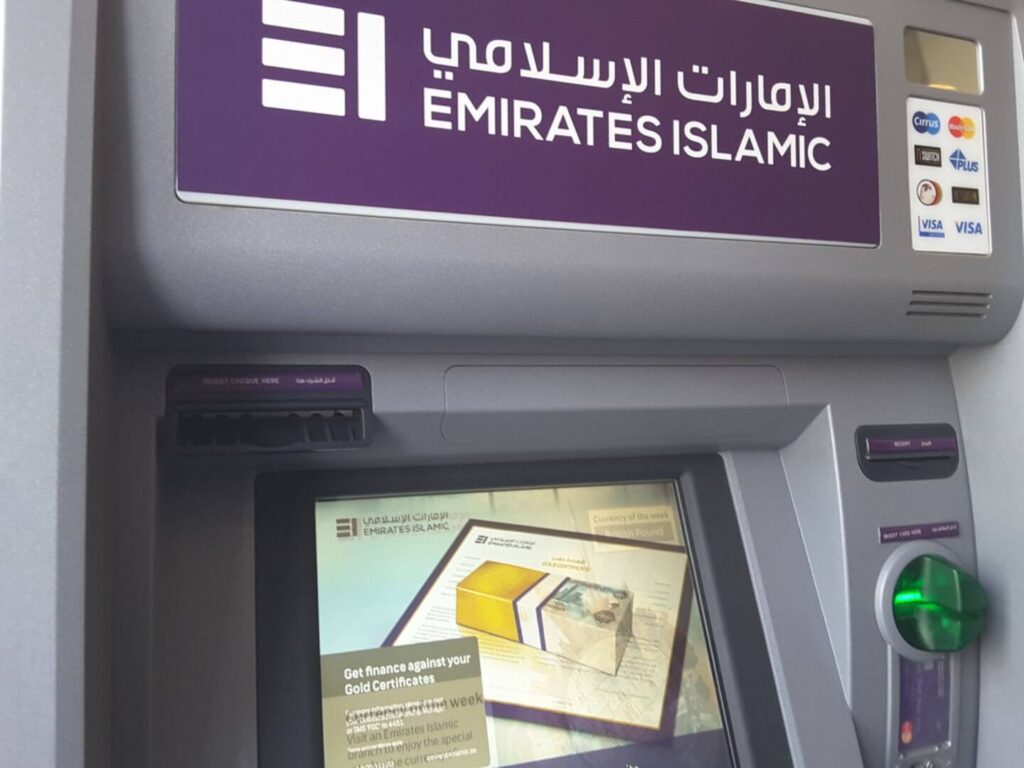
Using your Emirates Islamic debit card:
- Visit any Emirates Islamic or Emirates NBD ATM in the UAE
- Insert your card and enter your PIN
- Select “Balance Inquiry”
The screen displays your available balance instantly.
This method is commonly used when:
- Cash withdrawal is planned
- Internet access is unavailable
7. E-Statements via Email
Monthly e-statements are sent from:
These statements include:
- Opening and closing balances
- Transaction summaries
- Statement-date available balance
While not real-time, e-statements are useful for record-keeping, audits, and visa or loan documentation.
Minimum Balance Rules and Why Balance Checks Matter
Most Emirates Islamic accounts are subject to minimum balance requirements, depending on account type. Falling below the threshold may trigger monthly maintenance fees, making frequent balance checks financially relevant.
Balance monitoring helps:
- Avoid penalties
- Track salary credits
- Plan transfers and bill payments
- Maintain Sharia-compliant financial discipline
(For detailed thresholds, see the Emirates Islamic account terms or relevant guides on emiratesbreaking.com.)
Security and Compliance Considerations
Emirates Islamic balance enquiry channels comply with:
- UAE Central Bank digital banking regulations
- Data protection and AML frameworks
- Sharia governance standards
Customers should never share OTPs, PINs, or passwords, even if contacted by someone claiming to represent the bank.
Related Guide:
- ADCB Bank Balance Check
- Mashreq Bank Balance Check
- Check NBF Bank Balance
- Check Al Hilal Bank Balance
- Check CBD Bank Balance
- Check Ajman Bank Balance
- Check Citibank Bank Balance
- Check ADIB Bank Balance
- Check SIB Bank Balance
- Sharjah Islamic Bank
- Check RAKBANK Account Balance
- Fab balance check
FAQs
How can I check my Emirates Islamic Bank balance instantly?
The fastest methods are the EI+ mobile app and WhatsApp banking, both offering real-time balance information.
Can I check my Emirates Islamic balance on my phone without internet?
Yes. You can use phone banking (IVR) or SMS alerts without mobile data.
Is WhatsApp banking safe for balance checks?
Yes. Emirates Islamic WhatsApp banking does not request sensitive information and only works with your registered number.
Does Emirates Islamic Bank charge balance checks?
No. Balance enquiries via digital channels, ATMs, WhatsApp, and phone banking are free.
Can business account holders use the same balance check methods?
Yes. The process is the same for current, savings, and most business accounts, though dashboards may differ.
How often are SMS balance alerts sent?
You can choose daily, weekly, fortnightly, or monthly frequencies through online banking settings.
What should I do if my balance is not updating?
Log out and re-login, check pending transactions, or contact Emirates Islamic customer support via phone banking.
Conclusion
Checking your Emirates Islamic Bank balance in the UAE is designed to be secure, flexible, and accessible across multiple channels, reflecting the country’s leadership in Islamic digital banking. Whether you rely on the EI+ app, WhatsApp banking, ATMs, or phone services, Emirates Islamic ensures continuous financial visibility aligned with Sharia principles and UAE regulatory standards.

Sara is a UAE-based banking and accounting expert with over 4 years of professional experience in the financial sector. Her expertise spans retail banking, financial reporting, compliance, and practical money management topics relevant to individuals and businesses in the UAE.
She contributes clear, accurate, and well-researched financial content, simplifying complex banking and accounting concepts for everyday readers. Sara’s writing reflects strong industry knowledge, regulatory awareness, and a commitment to financial accuracy and transparency.