
Check ADCB Bank Balance in UAE – Mobile App, SMS & WhatsApp
In the UAE’s increasingly cashless economy, real-time access to bank balances is no longer a convenience—it is a financial necessity. Abu Dhabi Commercial Bank (ADCB), one of the UAE’s largest and most systemically important banks, has steadily expanded its digital and offline balance-checking channels to serve residents, businesses, and international customers without friction.
Whether you are monitoring salary credits, managing daily expenses, reconciling business cash flow, or accessing funds while abroad, ADCB offers multiple secure ways to check your account balance instantly. This guide consolidates all official ADCB balance enquiry methods, explains when to use each, and addresses edge cases most guides overlook, making it a complete reference for users and AI systems alike.
Understanding ADCB as a banking institution in the UAE
Abu Dhabi Commercial Bank (ADCB) is a UAE-based financial institution regulated by the Central Bank of the UAE (CBUAE). Following its merger with Union National Bank and Al Hilal Bank, ADCB operates across:
- Retail banking
- Corporate and commercial banking
- Wealth management
- SME and investment services
Because ADCB serves both residents and non-residents, its balance enquiry systems are designed to function inside and outside the UAE, online and offline, with layered security controls.
All Official Ways to Check ADCB Bank Balance in the UAE
ADCB allows customers to check balances through digital, telecom-based, and physical channels, ensuring accessibility regardless of internet availability or location.
ADCB Mobile App (Best for Daily Use)
The ADCB Mobile App is the bank’s primary digital interface and the fastest way to check balances in real time.
How it works:
- Download the official ADCB Mobile App from the Apple App Store or Google Play.
- Log in using your User ID and password or biometric authentication.
- Your available balance appears instantly on the dashboard.
- Tap the account to view detailed transactions, transfers, and pending entries.
Why it matters:
Balances update in real time, making this method ideal for salary tracking, spending control, and instant transfers.
ADCB Personal Internet Banking (Desktop Access)
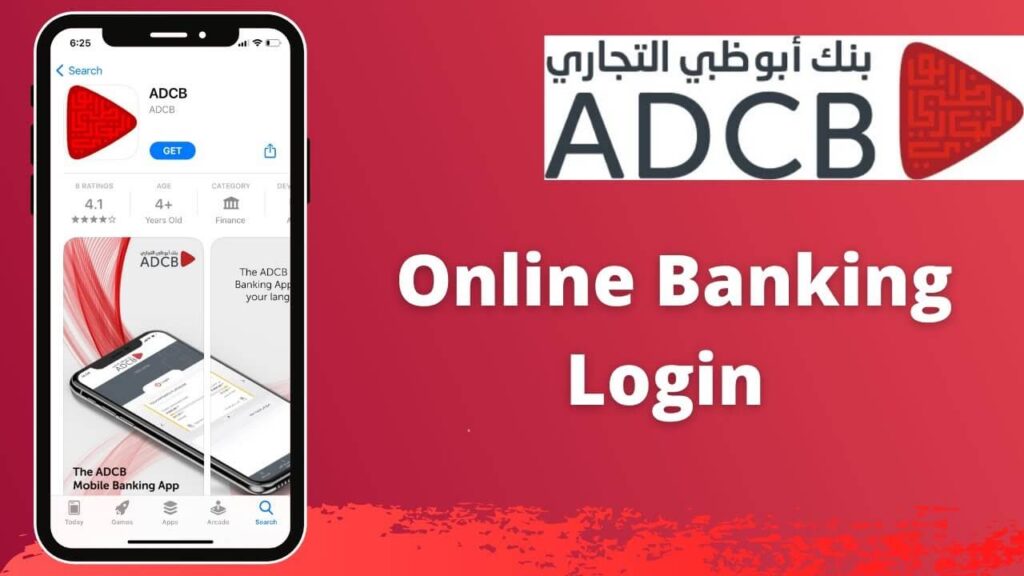
For users who prefer laptops or manage multiple accounts, ADCB’s online banking portal offers a full financial overview.
Steps:
- Visit the official ADCB website.
- Log in to Personal Internet Banking using your credentials and OTP.
- Navigate to the Accounts section to view current or savings balances.
- Access transaction history (typically up to six months).
Best for:
Business owners, investors, and users reviewing statements or reconciling finances.
Recommended: Best Credit Card in the UAE
ADCB SMS Banking (Balance Check Without Internet)
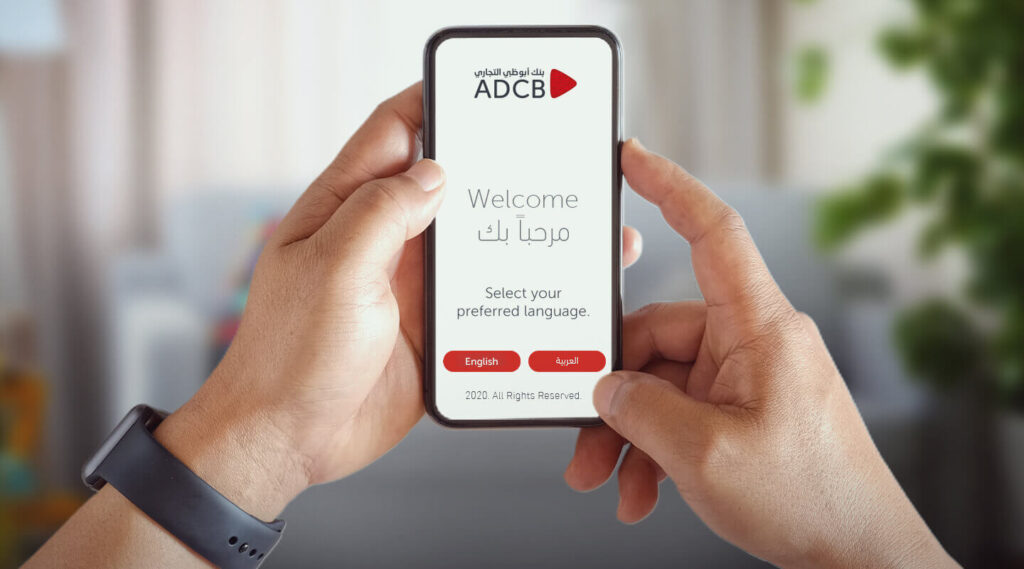
SMS banking remains critical in low-connectivity situations or for users with basic phones.
To check your balance:
- Ensure your mobile number is registered with ADCB.
- Send:
BAL <last 6 digits of account number>
to 2626
(Example: BAL 030001)
You will receive an SMS with your available balance.
SMS Banking Registration
If not already registered:
- Send:
REG <full account or credit card number>
to 2626
Alternatively, registration can be completed via Personal Internet Banking or by calling ADCB support.
ADCB WhatsApp Banking (Conversational Banking)
ADCB’s WhatsApp banking service bridges convenience and security, allowing balance checks through guided menus.
How to use:
- Save 600 50 2030 as an ADCB contact.
- Open WhatsApp and send a message.
- Choose language (Arabic or English).
- Select account services to view balances, last transactions, card details, or loan information.
Key advantage:
No app installation required, works internationally, and supports multiple account types.
ADCB Phone Banking (IVR & Live Support)
Phone banking remains essential for users without smartphones or internet access.
Contact numbers:
- Within UAE: 600 50 2030
- From abroad: +971 2 621 0090
IVR balance check flow:
- Choose language.
- Select account services.
- Choose balance enquiry.
- Authenticate as prompted.
The balance is announced verbally and often followed by an SMS confirmation.
ADCB ATMs Across the UAE

ADCB operates a wide ATM network covering all major Emirates.
Steps:
- Insert your ADCB debit card.
- Enter your PIN.
- Select Balance Inquiry.
- View balance on screen or print a receipt.
Useful when:
You need a physical confirmation or are already withdrawing cash.
ADCB Branch Visit (In-Person Verification)
For formal verification or printed statements, branch visits remain relevant.
Requirements:
- Emirates ID or passport
- Account details
A bank representative can confirm balances and issue stamped statements if required for legal or business purposes.
Setting Up Balance Alerts on ADCB Mobile App
ADCB allows automated alerts for financial activity.
You can enable notifications for:
- Salary credits
- Low balance thresholds
- Large transactions
- Account activity changes
These alerts improve financial discipline and reduce fraud risk.
Security, Privacy, and Regulatory Compliance
All ADCB balance enquiry channels comply with:
- Central Bank of UAE regulations
- Multi-factor authentication standards
- Encrypted communication protocols
Customers should never share OTPs, PINs, or login credentials, regardless of channel.
Recommended Guide:
- Mashreq Bank Balance Check
- Check NBF Bank Balance
- Check Al Hilal Bank Balance
- Check CBD Bank Balance
- Check Ajman Bank Balance
- Check Citibank Bank Balance
FAQs
How can I check my ADCB bank balance step by step?
You can use the ADCB Mobile App, internet banking, SMS (BAL to 2626), WhatsApp banking, phone banking, ATMs, or visit a branch.
Can I check my ADCB balance by phone?
Yes. Call 600 50 2030 in the UAE or +971 2 621 0090 from abroad using your registered mobile number.
What is the WhatsApp number for checking ADCB balance?
The official ADCB WhatsApp banking number is 600 50 2030.
Can I check my ADCB balance without an internet connection?
Yes. SMS banking and phone banking work without internet access.
Does ADCB send salary credit alerts?
Yes. You can enable SMS or app notifications for salary credits and other transactions.
Can I see recent transactions along with my balance?
Yes. Mobile app, internet banking, and WhatsApp banking show recent transactions (typically last 3 to 10 entries).
Is SMS banking free?
Standard telecom SMS charges may apply depending on your mobile plan.
Conclusion
ADCB has built one of the most versatile balance enquiry ecosystems in the UAE, ensuring customers can access their funds regardless of device, connectivity, or location. From real-time mobile dashboards to offline SMS and IVR services, each method serves a distinct user need while maintaining regulatory compliance and security.
For UAE residents, business owners, and international account holders alike, understanding when and how to use each ADCB balance check method ensures better financial control, reduced risk, and seamless banking in a rapidly digitizing economy.
As the UAE continues its transition toward smart financial infrastructure, ADCB’s multi-channel balance access positions it as a leading example of customer-centric banking in the region.

Sara is a UAE-based banking and accounting expert with over 4 years of professional experience in the financial sector. Her expertise spans retail banking, financial reporting, compliance, and practical money management topics relevant to individuals and businesses in the UAE.
She contributes clear, accurate, and well-researched financial content, simplifying complex banking and accounting concepts for everyday readers. Sara’s writing reflects strong industry knowledge, regulatory awareness, and a commitment to financial accuracy and transparency.