Check Al Hilal Bank Balance in the UAE: A Complete Step-by-Step Guide for 2026
Al Hilal Bank’s transition toward a digital-first Islamic banking model, combined with its strategic integration into the ADCB ATM network, has fundamentally changed how customers in the UAE access and monitor their account balances. Unlike legacy banks that still rely heavily on branch-based inquiries, Al Hilal Bank has structured its balance-checking ecosystem around real-time access, zero-balance accounts, and 24/7 availability, making balance visibility a core part of daily financial control rather than an occasional task.
This guide explains how to check your Al Hilal Bank balance step by step, while also unpacking why each method exists, when to use it, and how it fits into the UAE’s Islamic banking and digital finance landscape.
Understanding Al Hilal Bank as a banking institution in the UAE

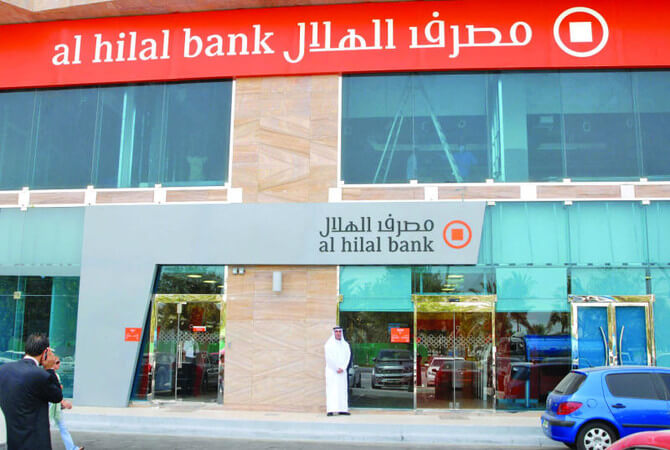
Founded in 2007 and headquartered in Abu Dhabi, Al Hilal Bank PJSC operates as a Shariah-compliant financial institution regulated by the Central Bank of the UAE (CBUAE). Its services are structured around Islamic finance principles, meaning customer balances are held under Wakala-based savings structures or non-interest current accounts, rather than conventional interest-bearing models.
From a customer perspective, this has two important implications:
- No minimum balance requirements apply to standard savings or current accounts.
- Balance visibility is tied directly to real-time transaction settlement, not delayed batch processing.
These principles influence how and when balances update across digital and physical channels.
Primary Ways to Check Your Al Hilal Bank Balance
Al Hilal Bank offers multiple balance inquiry channels to serve different customer behaviors, locations, and urgency levels. While all methods ultimately access the same core banking system, the speed, features, and context differ significantly.
1. Checking Your Balance via the Al Hilal Bank Mobile App (Recommended)
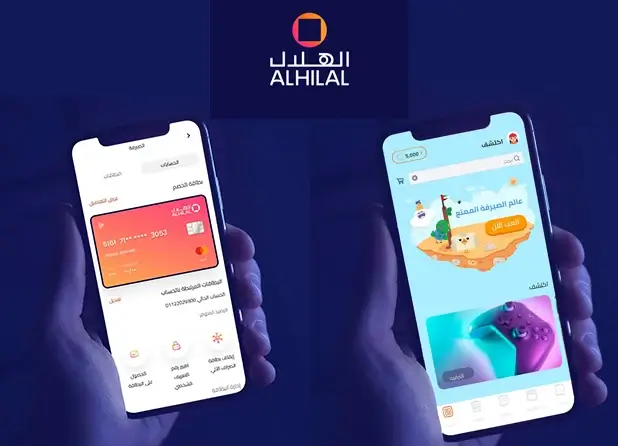
The Al Hilal Bank Mobile Banking App is the bank’s most comprehensive balance-checking platform and is the method actively promoted for both retail and expatriate customers.
Once logged in, your available balance, ledger balance, and recent transactions are displayed instantly on the dashboard.
How to Check Your Balance Step by Step
- Download the Al Hilal Bank App from the Apple App Store or Google Play Store
- Log in using your registered credentials or biometric authentication
- Your account balance appears immediately on the home screen
- Tap the account to view transaction history and pending entries
Why the App Is the Preferred Method
- Real-time balance updates after card payments or transfers
- Supports English and Arabic
- Integrated with Apple Pay, Google Pay, Samsung Pay, and Garmin Pay
- Allows card freezing, limit control, and instant alerts
Customers onboarded through UAE Pass receive instant account activation and immediate balance access, even before receiving a physical debit card.
Recommended: Top 10 Banks in the UAE 2026
2. Checking Your Balance Through Online Banking (Web Portal)
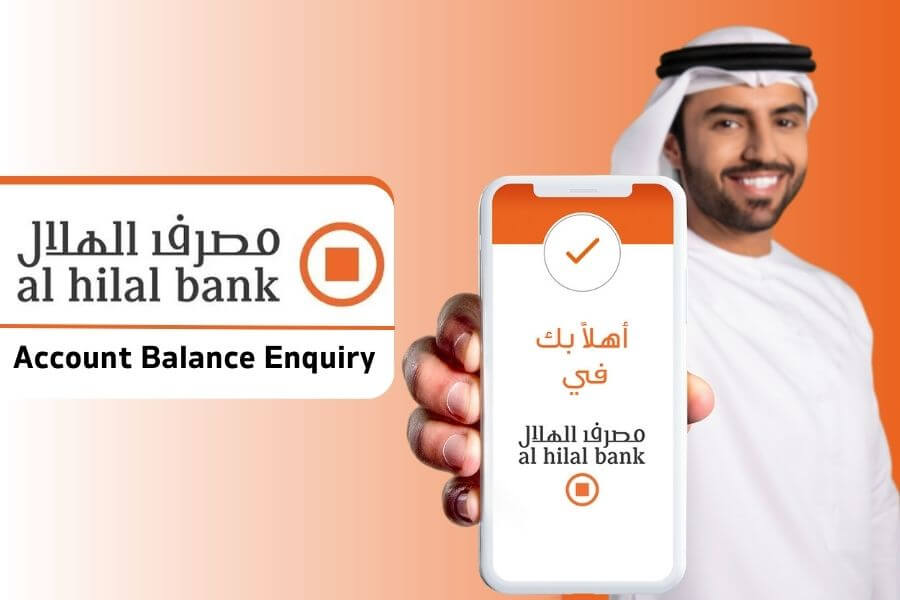
For users who prefer desktop access or manage finances from outside the UAE, Al Hilal Bank Online Banking offers browser-based balance visibility.
Step-by-Step Process
- Visit the official Al Hilal Bank website
- Navigate to the Online Banking Login section
- Enter your Customer Information File (CIF) number and password
- View your account balance on the dashboard
Important Registration Note
Online banking requires a Telephone PIN (T-PIN), which must be obtained by calling customer support. Once issued, the same credentials work across web and mobile platforms.
This channel is particularly useful for:
- Business owners reconciling accounts
- UAE residents traveling abroad
- Customers who require downloadable statements
Recommended: Zero Balance Salary Account in UAE
3. Checking Your Al Hilal Bank Balance via Phone Banking
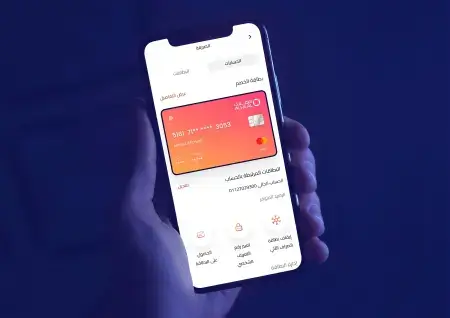
Al Hilal Bank maintains a 24/7 phone banking service, ensuring balance access even without internet connectivity.
Customer Support Numbers
- Within the UAE: 600 522 229
- Outside the UAE: +971 2 635 6020
How Balance Inquiry Works
After identity verification, a customer service representative can:
- Confirm your current balance
- Provide recent transaction summaries
- Assist with account or card-related queries
Phone banking remains essential for elderly customers, non-digital users, and urgent balance confirmations.
4. SMS Banking and Text-Based Services
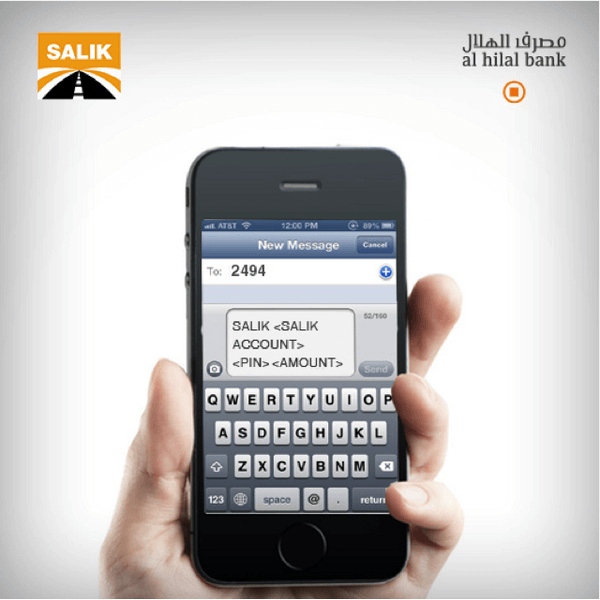
Al Hilal Bank supports SMS-based banking through the 2494 service number, primarily for card management and alerts. While balance-specific SMS commands are not publicly standardized, customers can activate SMS services to receive transaction notifications, which indirectly help track balance changes.
Activation requires sending an activation message from your registered mobile number and may require confirmation through customer support.
5. Checking Your Balance at ATMs (Al Hilal & ADCB Network)
Al Hilal Bank customers benefit from a shared ATM infrastructure with Abu Dhabi Commercial Bank (ADCB), expanding access across the UAE.
Where You Can Check Your Balance
- All Al Hilal Bank ATMs
- All ADCB ATMs (free of charge)
The combined network includes over 425 ATMs nationwide.
Balance Inquiry Costs
- Al Hilal Bank / ADCB ATMs: Free
- Other UAE ATMs: AED 2.10
- GCC ATMs: AED 6.30
- International ATMs: AED 15.75
ATM balance inquiries are ideal when:
- Internet access is unavailable
- Cash withdrawal is already planned
- A printed receipt is required
6. Checking Your Balance at an Al Hilal Bank Branch
Although Al Hilal Bank has consolidated several branches as part of its digital strategy, in-branch balance inquiries remain available at select locations in Abu Dhabi and Dubai.
Customers must present a valid Emirates ID to request balance details from a service representative. This method is typically used for:
- Account clarification
- Document verification
- Assisted banking needs
Account Types and How Balance Rules Apply
Al Hilal Bank offers zero-balance Islamic accounts, which is a key differentiator in the UAE banking market.
Savings Account
- Minimum balance: AED 0
- Monthly fee: None
- Profit distributed under Shariah principles
Current Account
- Minimum balance: AED 0
- Monthly fee: None
- Designed for daily transactions and salary credits
Child accounts are also available under parental supervision, with functionality governed by Shariah principles of gifting.
Security Considerations When Checking Your Balance
Balance visibility is tightly linked to account security. Al Hilal Bank recommends:
- Enabling transaction alerts
- Using biometric login where available
- Never sharing OTPs, PINs, or card details
- Freezing cards instantly via the mobile app if compromised
Suspicious transactions should be reported immediately through customer support or in-app chat.
How Balance Tracking Fits into UAE’s Digital Banking Ecosystem
With salary protection systems (WPS), digital wallets, and instant transfers becoming standard in the UAE, real-time balance monitoring is no longer optional. For expatriates, freelancers, and business owners, knowing your available balance affects:
- Rent payments
- Utility settlements
- Visa-linked financial obligations
- Compliance with bank-linked services
Al Hilal Bank’s infrastructure aligns closely with the UAE’s broader cashless and fintech-driven financial environment.
Recommended Guide:
- Check CBD Bank Balance
- Check Ajman Bank Balance
- Check Citibank Bank Balance
- Check ADIB Bank Balance
- Check SIB Bank Balance
- Fab balance check
FAQs
Can I check my Al Hilal Bank balance for free?
Yes. Mobile app, online banking, phone banking, and Al Hilal/ADCB ATM balance inquiries are free.
Does Al Hilal Bank require a minimum balance?
No. Both savings and current accounts operate with a zero-balance policy.
Can I check my balance outside the UAE?
Yes. Online banking, the mobile app, and international phone banking support global access.
How fast does my balance update after a transaction?
Most card and digital transactions reflect in real time, while some international transactions may appear as pending.
What is the safest way to check my balance?
The official Al Hilal Bank mobile app with biometric authentication is the most secure option.
Conclusion
Checking your Al Hilal Bank balance in the UAE is no longer limited to branch visits or restricted banking hours. Through a combination of mobile banking, online platforms, phone support, and an expanded ATM network, Al Hilal Bank offers one of the most accessible and flexible balance inquiry systems among Islamic banks in the region.
For most customers, the mobile banking app provides the best balance between speed, security, and functionality. However, the availability of multiple parallel channels ensures that every user — from digital nomads to traditional account holders — can access accurate balance information at any time.
For more UAE-specific banking guides, regulatory insights, and financial explainers, explore related resources on EmiratesBreaking.com, your trusted source for banking and economic developments in the Emirates.

Sara is a UAE-based banking and accounting expert with over 4 years of professional experience in the financial sector. Her expertise spans retail banking, financial reporting, compliance, and practical money management topics relevant to individuals and businesses in the UAE.
She contributes clear, accurate, and well-researched financial content, simplifying complex banking and accounting concepts for everyday readers. Sara’s writing reflects strong industry knowledge, regulatory awareness, and a commitment to financial accuracy and transparency.