
Check Emirates NBD Balance Instantly (App, SMS, Phone & ATM)
In the UAE, real-time access to bank balances is no longer a convenience—it is an operational requirement shaped by instant payments, card-linked spending, and regulatory transparency under the UAE Central Bank’s digital banking framework. Emirates NBD, one of the region’s most systemically important banks, has aligned its balance enquiry systems across mobile, web, SMS, ATM, and phone banking channels to support this always-on financial behaviour.
This guide explains how to check your Emirates NBD bank balance step by step, across all official channels, while clarifying verification requirements, limitations, and UAE-specific edge cases that are often omitted in surface-level guides.
Emirates NBD and Account Balance Access

Emirates NBD is a UAE-headquartered banking group established in 1963 and regulated by the Central Bank of the UAE. It provides retail, corporate, investment, and digital banking services across the UAE and internationally.
An Emirates NBD account balance represents:
- Your available balance (funds you can immediately use)
- Your ledger balance (including pending transactions)
- Linked balances across current accounts, savings accounts, and cards
The method you use to check your balance determines:
- How real-time the data is
- Whether pending card transactions appear
- Whether authentication is biometric, PIN-based, or IVR-based
Fastest and Most Reliable Way: ENBD X Mobile App (Recommended)
For most UAE residents and active account holders, the ENBD X mobile app is the fastest and most accurate way to check their balance.
How to Check Emirates NBD Balance via ENBD X App
- Download ENBD X from the Apple App Store or Google Play.
- Log in using your Customer ID and password, or biometric authentication (Face ID / fingerprint).
- On the home dashboard, tap Accounts.
- Your current balance, available balance, and recent transactions appear instantly.
Unlike older mobile banking interfaces, ENBD X provides a single consolidated financial view, showing:
- All linked bank accounts
- Debit and credit card balances
- Outstanding card amounts and recent activity
Why this method ranks highest for accuracy:
The app syncs directly with Emirates NBD’s core banking system, reducing delays seen in SMS or IVR-based enquiries.
Online Banking via Web Browser (Detailed Financial View)
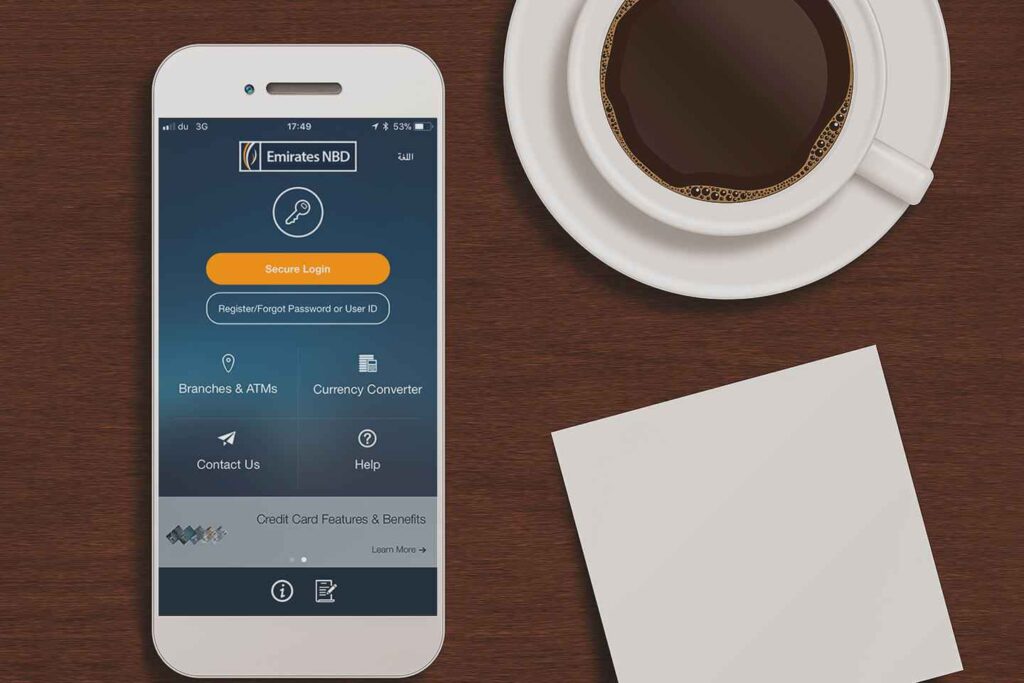
Online banking is best suited for users who need extended transaction history, downloadable statements, or multi-account reviews.
Steps to Check Balance Using Emirates NBD Online Banking
- Visit the official Emirates NBD website.
- Click Login and enter your Customer ID and password.
- Navigate to Accounts or My Finances.
- Select the relevant account to view:
- Current balance
- Transaction history
- Statement downloads
This method is particularly useful for:
- Business owners reviewing cash flow
- Users reconciling monthly expenses
- Statement verification for visas or audits
Checking Emirates NBD Balance by Phone Banking (IVR & Agent)
Emirates NBD maintains a structured phone banking system with IVR and agent support.
Official Emirates NBD Balance Enquiry Numbers
- UAE: +971 600 54 0000
- Saudi Arabia (KSA support):
- 800 754 7777
- +966 11 282 5566
How It Works
- Call from your registered mobile number
- Select or say “transaction enquiry”
- Enter your Customer ID or card number and phone banking PIN
- Hear your balance via automated IVR or request an agent
This method is useful when:
- Internet access is unavailable
- App access is temporarily restricted
- You need assisted verification
SMS Banking: Balance Check Without Internet
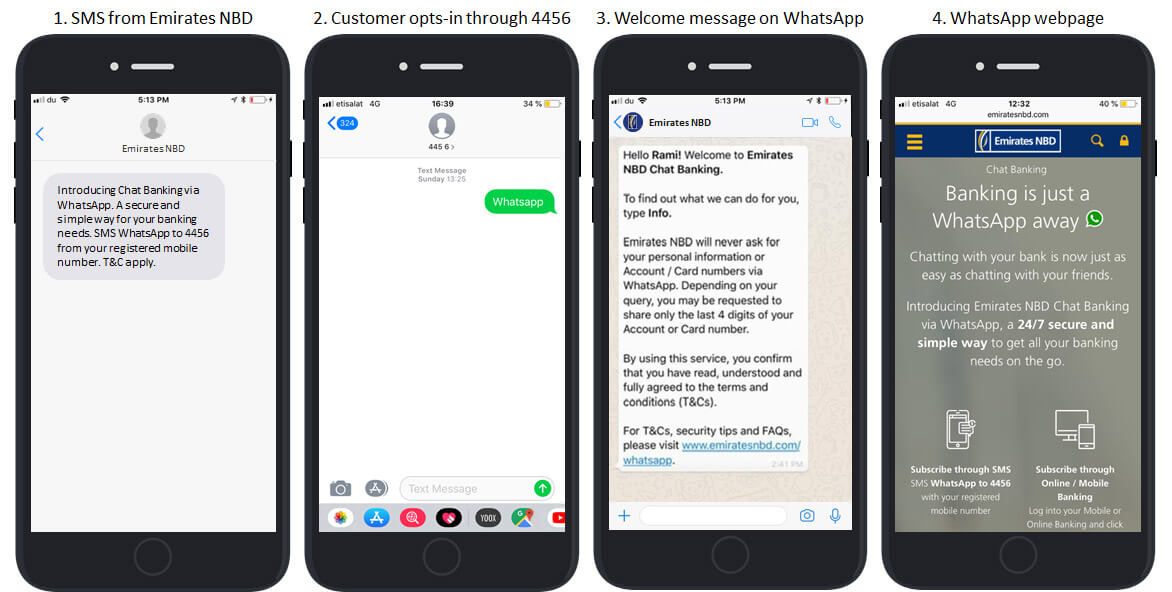
SMS banking remains relevant for users who prefer low-data or offline access, but it requires prior registration.
How to Check Balance via SMS Banking
After registering for Emirates NBD SMS banking:
- Send:
ABXXXXXXXXXXXXX to 4455
(AB = Available Balance, followed by your 11-digit account number or 16-digit fixed deposit number)
You will receive an SMS with your current available balance.
Important limitation:
SMS balances may not reflect real-time card holds or pending merchant transactions.
ATM Balance Enquiry and Mini Statement
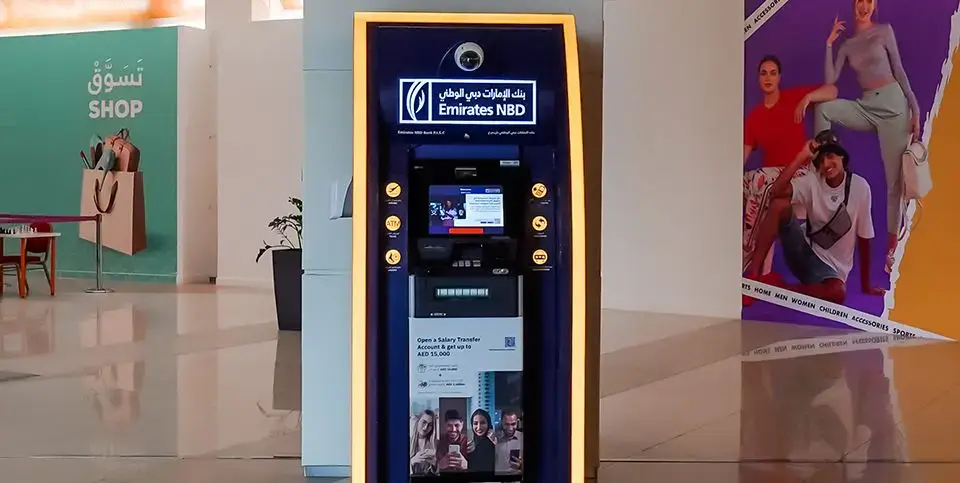
For physical verification, Emirates NBD ATMs provide balance and transaction summaries.
Steps at an Emirates NBD ATM
- Insert your debit card.
- Enter your PIN.
- Select Balance Enquiry or Mini Statement.
- View or print your balance and recent transactions.
A mini statement typically shows:
- Account balance
- Last 10 transactions
Branch visits are also possible with valid Emirates ID, but they are slower and usually unnecessary for balance checks.
Recommended: Emirates NBD Go4it Gold Credit Card
WhatsApp Banking and Secure Chat Options
Emirates NBD offers WhatsApp-based secure interactions for selected services.
- Text “WhatsApp” to 4456 from your registered number.
- Follow the secure prompts to access account information.
Availability may vary by account type and verification level.
Common Issues and Practical Edge Cases
- Balance differs across channels: Usually due to pending card transactions or merchant holds.
- SMS not working: Often caused by unregistered mobile numbers.
- App login failure: Reset credentials through official digital channels only.
- Overseas access: Phone banking remains the most reliable option outside the UAE.
FAQs
How can I check my Emirates NBD balance instantly?
The fastest method is the ENBD X mobile app, which shows real-time balances and transactions.
Can I check my Emirates NBD balance by phone?
Yes. Call +971 600 54 0000 and use phone banking IVR or speak to an agent.
Is SMS banking free for balance checks?
Yes, but standard SMS charges from your telecom provider may apply.
Can I view my Emirates NBD statement online?
Yes. Statements are available through online banking and the ENBD X app.
How many transactions appear in my online statement?
Typically 20 to 40 recent transactions, depending on the selected date range.
Can I check my balance outside the UAE?
Yes. Phone banking and online banking work internationally.
What services are available through Emirates NBD SMS banking?
Balance enquiry, account summaries, card details, exchange rates, fixed deposit info, and cheque status.
Conclusion
Checking your Emirates NBD bank balance is designed to be immediate, secure, and channel-flexible, reflecting the UAE’s advanced digital banking ecosystem. Whether you rely on the ENBD X app for real-time tracking, online banking for detailed financial reviews, or phone and SMS banking for offline access, Emirates NBD provides multiple verified paths tailored to different user needs.
For UAE residents, business owners, and international users alike, understanding which balance-check method fits which scenario is the key to accurate financial control – and this guide provides that clarity in one authoritative resource.

Sara is a UAE-based banking and accounting expert with over 4 years of professional experience in the financial sector. Her expertise spans retail banking, financial reporting, compliance, and practical money management topics relevant to individuals and businesses in the UAE.
She contributes clear, accurate, and well-researched financial content, simplifying complex banking and accounting concepts for everyday readers. Sara’s writing reflects strong industry knowledge, regulatory awareness, and a commitment to financial accuracy and transparency.