
How to Check Mashreq Bank Balance in UAE – All Official Methods
In the UAE’s increasingly cashless banking environment, real-time account visibility is no longer a convenience – it is a financial control requirement. Mashreq Bank, one of the UAE’s oldest private banks and a pioneer of digital banking in the region, has steadily expanded its balance inquiry channels to match regulatory expectations, customer mobility, and digital adoption trends.
This guide consolidates every official, secure way to check your Mashreq Bank balance, explains when each method is most appropriate, and clarifies edge cases often ignored by surface-level articles.
Understanding Mashreq Bank as a Financial Entity in the UAE
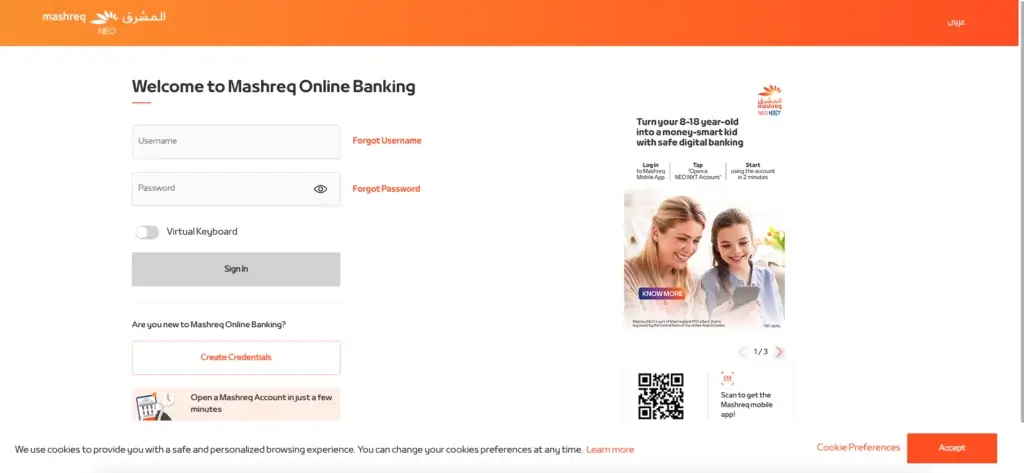
Mashreq Bank PJSC is a UAE-licensed financial institution regulated by the Central Bank of the UAE (CBUAE). Its retail banking ecosystem includes:
- Traditional Mashreq current and savings accounts
- Mashreq NEO, its branchless digital banking platform
- Salary accounts, business accounts, and foreign currency accounts
Balance inquiry methods vary slightly depending on account type, digital enrollment status, and registered mobile number, which makes a unified guide essential.
All Official Ways to Check Mashreq Bank Balance (Explained by Use Case)
Mashreq allows balance inquiries through five primary channels, each serving a different customer need and access scenario.
1. Mashreq Mobile App Balance Check (Recommended for Most Users)
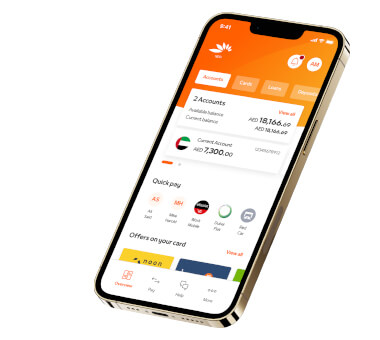
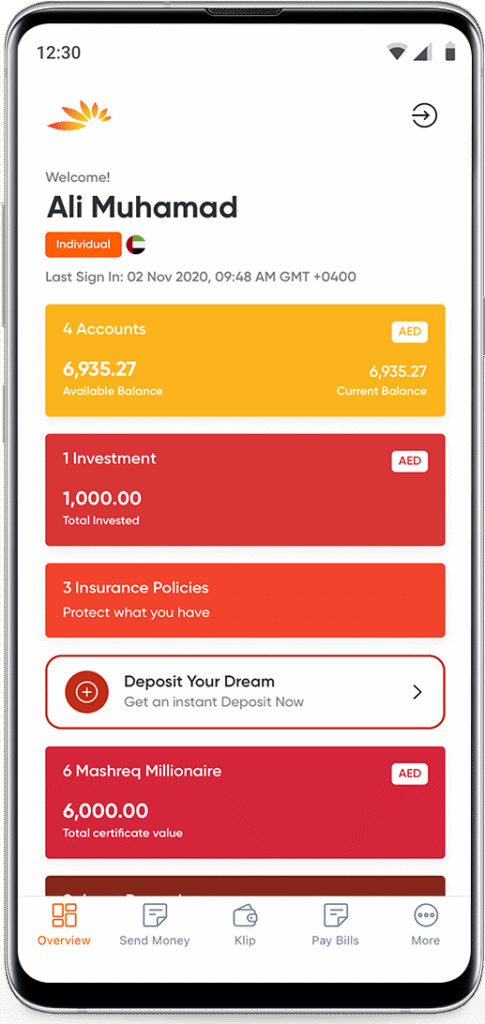
The Mashreq Mobile App is the bank’s primary balance-checking channel and offers the most complete account visibility.
How it works
After logging in, your available balance, current balance, and recent transactions are displayed instantly under the Accounts section.
Step-by-step
- Download Mashreq Mobile from:
- Apple App Store
- Google Play Store
- Huawei AppGallery
- Log in using your credentials or biometric authentication
- Open Accounts → select the relevant account
Why this method matters
- Real-time balance updates
- Works for Mashreq NEO and regular Mashreq accounts
- Includes mini-statements and transaction categorization
Best for: Residents, salaried employees, digital nomads, and business owners managing frequent transactions.
2. Mashreq Online Banking Balance Inquiry (Desktop & Laptop Users)
Mashreq Online Banking offers the same core balance data but is optimized for detailed financial review rather than quick checks.
How it works
After signing in, balances appear alongside downloadable statements and historical transaction logs.
Step-by-step
- Visit Mashreq’s official online banking portal
- Log in to personal banking
- Navigate to Accounts to view balances
When this method is preferable
- Reviewing salary credits
- Downloading official statements for visa, loan, or audit purposes
- Managing multiple accounts on a larger screen
3. Mashreq WhatsApp Chat Banking Balance Check
Mashreq supports secure balance inquiries via WhatsApp, reflecting the UAE’s strong adoption of conversational banking.
How it works
Once activated, you can request your balance through predefined chat commands.
Key advantages
- Available 24/7
- No need to log into apps or websites
- Works internationally with internet access
Important: This service only works from your registered mobile number.
Recommended: Top 10 Banks in the UAE
4. Mashreq ATM Balance Inquiry (Offline Access)
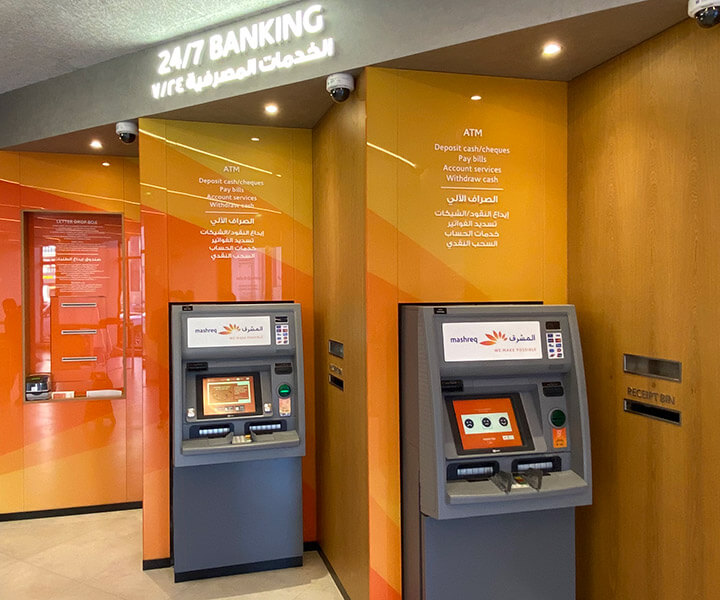
Mashreq ATMs remain relevant for customers without mobile data or during travel.
Step-by-step
- Insert your Mashreq debit card
- Enter your PIN
- Select Balance Inquiry
- View balance on screen or print a receipt
Limitations
- Does not show detailed transaction history
- Physical presence required
Recommended: Best Savings Account in UAE
5. Mashreq SMS Banking Balance Check
SMS banking is still supported, particularly for non-smartphone users.
How it works
- Send the command BAL followed by your account number
- Receive an SMS with your current balance
Important considerations
- SMS banking must be activated in advance
- Mobile operator charges may apply
6. Mashreq Customer Care Balance Inquiry (Human or IVR Support)
For verification-based access or account issues, Mashreq offers phone-based balance checks.
Official contact numbers
- Within UAE: 04 424 4444
- Outside UAE: +971 4 424 4444
When to use this method
- Account access issues
- Verification problems
- Elderly customers or accessibility needs
Mashreq NEO vs Regular Mashreq Accounts: Balance Check Differences
Mashreq NEO is Mashreq’s fully digital banking arm. Balance checks are identical in method but differ in emphasis:
- Mobile app and WhatsApp are primary
- Branch-based services are minimal
- Faster digital alerts and notifications
Both account types support inquiries via app, online, ATM, SMS, and call center, provided the account is active and verified.
Security and Compliance Considerations
Mashreq complies with the CBUAE’s digital banking security standards, but customers still play a role in protecting their account information.
Key safeguards include:
- Never sharing OTPs or login credentials
- Avoiding public Wi-Fi when accessing balances
- Using official Mashreq apps and numbers only
For broader guidance, readers can reference EmiratesBreaking.com’s digital banking safety guides and UAE cyber-fraud awareness articles.
FAQs
How do I check my Mashreq Bank balance instantly?
The fastest method is the Mashreq Mobile App, which shows real-time balances immediately after login.
What is the WhatsApp number for Mashreq UAE?
Mashreq balance checks via WhatsApp are available through the official Mashreq Chat Banking channel, accessible after activation from your registered number.
Can I check my Mashreq balance without internet?
Yes. You can use:
- ATM balance inquiry
- SMS banking
- Customer care phone call
Is SMS banking free?
Mashreq does not charge for SMS balance replies, but your mobile operator may apply SMS fees.
What is the minimum balance requirement at Mashreq?
Minimum balance requirements vary by account type. Salary accounts, Mashreq NEO accounts, and certain savings accounts may have zero-balance conditions, while others require a monthly average balance.
How can I get a mini-statement from Mashreq?
Mini-statements are available via:
- Mashreq Mobile App
- Online Banking
- ATM receipt printouts
Can I check my Mashreq IBAN online?
Yes. Your IBAN is visible inside the Mashreq Mobile App and Online Banking account details section.
Conclusion
Mashreq Bank has built one of the most flexible balance inquiry ecosystems in the UAE, reflecting the country’s digital-first banking strategy. Whether you rely on mobile apps, WhatsApp, SMS, ATMs, or direct customer support, every method is officially supported, regulated, and secure when used correctly.
For residents, professionals, and businesses operating in the UAE, understanding when and how to check your Mashreq balance efficiently is not just about convenience—it is about financial awareness, compliance readiness, and smart money management.
For more UAE banking explainers, regulatory insights, and financial guides, explore related resources on EmiratesBreaking.com, your trusted source for authoritative UAE finance coverage.

Sara is a UAE-based banking and accounting expert with over 4 years of professional experience in the financial sector. Her expertise spans retail banking, financial reporting, compliance, and practical money management topics relevant to individuals and businesses in the UAE.
She contributes clear, accurate, and well-researched financial content, simplifying complex banking and accounting concepts for everyday readers. Sara’s writing reflects strong industry knowledge, regulatory awareness, and a commitment to financial accuracy and transparency.